ATTEND OUR FREE WEBINAR TO GET STARTED RIGHT AWAY!
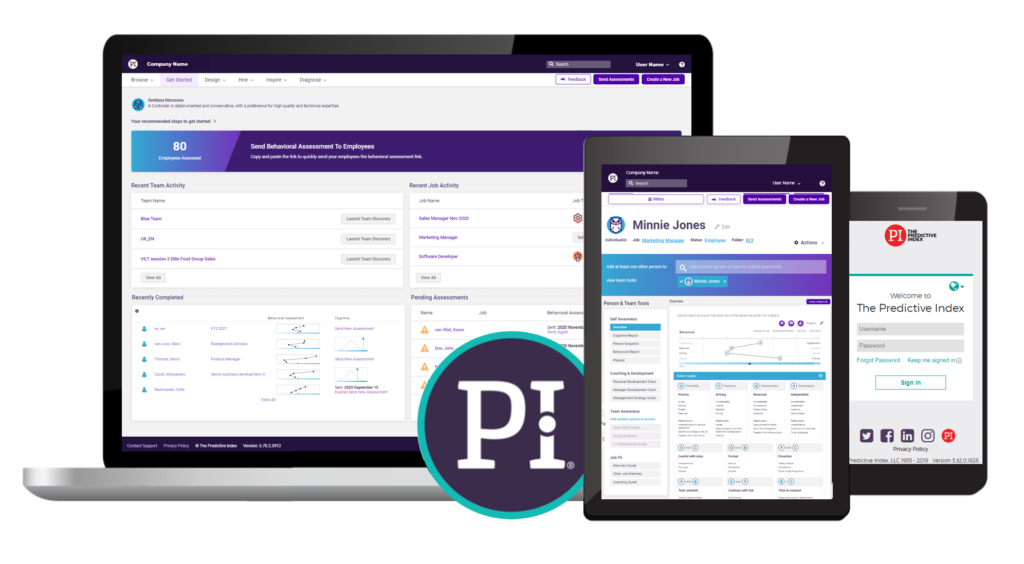
This live webinar is designed for new users of the Predictive Index software and methodology. Attendees will receive a high-level overview of talent optimisation, the Predictive Index assessments, and how to effectively navigate the software. The session also provides a brief overview of practical applications within the workplace, showcasing tools, and reports. Please note that this webinar is a primer and not a substitute for Predictive Index training and workshops.
Set up an automated anonymisation process to comply with GDPR requirements.
If you see a blue bar at the top of the screen that says ‚Cognitive Data Hidden‘, click on your name in the top right corner of the screen and choose ‚Show Cognitive Data‘.